

A Link Indexing Bot alternative, tried in a 90-day diary
A made-up link-building team keeps submitting URLs to Link Indexing Bot and adds a backlink API next to it. The log shows what each side does, what it costs, and where the bot is simply the better pick.
In our index link-indexing-bot.com has DR 17, 16 referring domains and 41 backlinks, 34 of them dofollow (82.9%), first seen 2025-08-06 and last seen 2026-08-15. Referring domains average DR 31, and there are no gov or edu referrers.
The shape is revealing. google.com sends 10 links from 3 pages (anchor "privacy policy"), likenewser.in sends 8 with the anchor "JOIN", and 18 of 41 backlinks land on three referral sign-up URLs rather than the homepage's 13. Five Dutch, German and Belgian link-list sites share the anchor "Indexing bot". Eight of 16 referrers are in the DR 30-49 band, so it is a modest profile built on affiliates and listings.
Link Indexing Bot at a glance
- What it is
- Paid service that tries to attract Googlebot and Bingbot to submitted URLs, used via a web account or Telegram bot
- Pricing
- Prepaid limits, 1 limit = $0.02 base; $0.01 to $0.004 per limit on top-ups from 20k limits; up to 50% off by task size
- Free test
- 1,000 limits, according to the FAQ
- API
- Public: POST /api/tasks/new, GET /api/tasks/{id}, GET /api/users/{id}; key via Telegram /apikey
- Guarantee
- None; the FAQ says it offers no indexing guarantee or refund
- Founded / HQ
- Not published
Day 0: a green lightning bolt and a Telegram ID
This diary follows a hypothetical three-person link-building team. Nothing here is a real customer story; the prices and the index numbers are real, the team is not. They buy guest posts and directory placements for client sites, and every placement they pay for has the same problem: the page that carries the link is new, thin on inbound links, and nobody has crawled it.
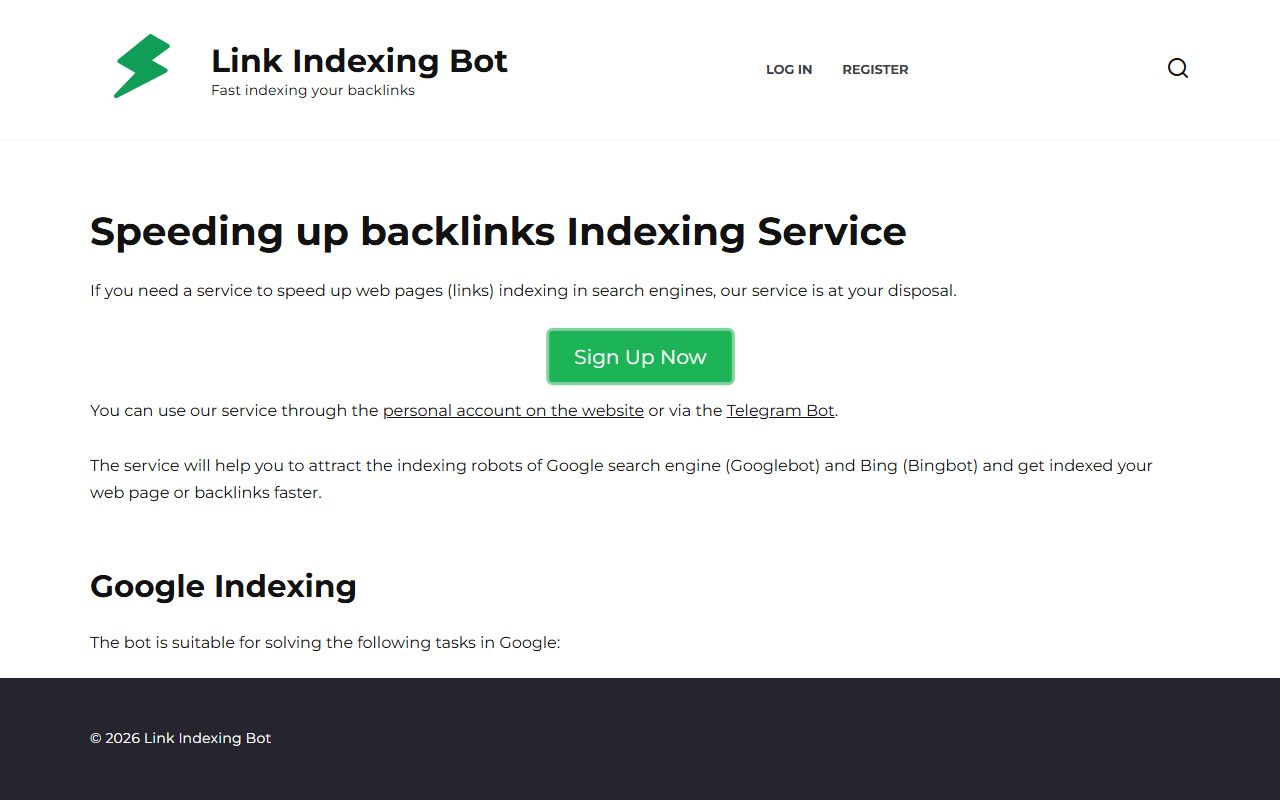
Their answer, for a year, has been Link Indexing Bot. The homepage is a white WordPress page with a green lightning-bolt logo, the tagline "Fast indexing your backlinks", a green "Sign Up Now" button and almost nothing else above the fold. You register with a Telegram account, top up a balance of "limits", paste URLs, and wait for Googlebot and Bingbot to show up.
The diary starts on the day the team lead asks a different question. Not "can we get these pages indexed faster?" but "how do we know which of the 400 links we ordered this quarter are actually in the crawl?" That is a link-data question, and it is the one job this service does not claim to do.
Day 1: what we are actually paying for
First entry is an inventory, written from the vendor's own pages. The service says it will "attract the indexing robots of Google search engine (Googlebot) and Bing (Bingbot)". It names three Google jobs: speeding up indexing of link donor pages, of a multi-page website, and of pages the engine knows about but has not added to the index.
It is unusually frank about limits. On the site: there are no guarantees for indexing, the robot decides within a day to two weeks whether to index the page, and a test on a domain Google had marked as a doorway gave no results at all. The FAQ puts task execution at 1-2 minutes to 24 hours, a bot visit within a few minutes to 72 hours afterwards, and a page in results usually 2 to 7 days after that.
That frankness shaped the team's plan. A vendor that says to test first on a small group of pages is telling you to measure. The bot sends the signal; something else has to read the result. Its API reports a task as complete, active or failed, and the documentation lists no endpoint that says whether a URL ended up indexed.
Day 3: the bill, in limits and dollars
The pricing is prepaid. One limit is $0.02, and one URL in a task costs one limit. Top-ups from 20k limits earn a discount, and bigger tasks earn another. The team wrote both tables on the whiteboard.
| Top-up | Price | Per limit |
|---|---|---|
| 20k limits | $200 | $0.01 |
| 150k limits | $1,000 | $0.0067 |
| 400k limits | $2,000 | $0.005 |
| 1,000k limits | $4,000 | $0.004 |
| Links in one task | Limits charged | Per link |
|---|---|---|
| 1,000 | 950 | 0.95 |
| 2,000 | 1,800 | 0.9 |
| 5,000 | 3,750 | 0.75 |
| 10,000 | 5,000 | 0.5 |
Multiply the best row of each table and you get $0.002 per link, which matches the site's banner about "0.002 with the maximum discount". A 10,000-link task costs 5,000 limits: $100 at the base rate, $50 at the 20k tier, $20 at the top tier. There is also a free test of 1,000 limits mentioned in the FAQ, and a $2 minimum deposit.
Nothing in that bill is a surprise. The line the team added was a new one: what does it cost to look at those 10,000 URLs' donor domains afterwards? On our side that is at most 10,000 lookups at one credit each, 10,000 credits, or $1.00.
Day 5: reading the brand's own footprint
Before adding any new tool the team pointed it at the vendor's own domain, partly as a test of the data and partly out of curiosity. The result is small: DR 17 in our index, 16 referring domains, 41 backlinks, 82.9% dofollow, first seen 2025-08-06. The browser view of the same report is in the explorer.
The diary notes three oddities from that report, each of which taught the team how to read link data in general.
- Affiliates out-link the brand. 18 of the 41 backlinks point at three
register?ref=…URLs on the dashboard subdomain; only 13 hit the homepage. Anchors like "JOIN" and the Arabic "هنا" ("here") on likenewser.in and admamr.com look like a referral programme at work, matching the site's 10% and 1% referral limits. - One anchor, five link lists in three countries. start-casino.nl, velelinkjes.nl, hetmooistedorp.be, sellerconnect.de and skhor.de all use the anchor "Indexing bot", each at DR 33-34 in our index.
- A google.com referrer. Ten links from three google.com pages, anchored "privacy policy". We did not pull the source URLs, so the best reading is that it appears to be a store-style listing page.
None of this says anything about whether the service works. It shows where this site's links come from: referrals and listings.
Day 8: the first calls, and what they cost
The free domain and overview actions need no key, so the team ran those first. Then they signed in with Google, took the $100 starter credit (1,000,000 credits, no card), and ran refdomains and anchors on one of their client placements. The full action list is in the API docs.
The two views the team now runs on every ordered link:
backlinksfiltered to the target URL, which shows the source URL, the anchor, the rel value and the last-seen date when our crawl data contains the link.bulk_dron the list of donor domains, up to 2,000 per request, to sort the batch by donor DR before deciding which ones deserve the bot's more expensive Hard Mode.
That second use matters for money. The vendor suggests Hard Mode only for hard-to-index external links, and the one API example in its documentation shows 2 links costing 4 limits. The exact Hard Mode price is not published, so the team treats it as roughly double and spends it only where the donor data says the page is worth it.
Day 14: the pipeline as it stands
Two weeks in, the setup is boring, which is the goal. Order a placement. Wait for the publisher to confirm. Submit the donor URL through Link Indexing Bot, either from the Telegram bot or through POST /api/tasks/new with links and se_type. Poll GET /api/tasks/{id} until it reads complete. Then, after the next monthly data refresh, query apibacklinks for the target and check whether the link now shows.
The monthly rhythm is the main adjustment. Our index is rebuilt from crawl releases roughly monthly, not in real time, so a link can take weeks to appear. The team stopped treating "not in the data yet" as "failed". Instead they log the submit date, the bot's task id and the date the link first appears, and over a quarter they get their own distribution of delays.
The bot's API also needs a Telegram user id and a key created with /apikey, which means someone on the team owns that account. Ours needs a key from a Google sign-in for paid actions. Neither is hard; they are just different, and the diary records who holds which login.
Day 30: what apibacklinks cannot do for this team
The honest page of the diary. apibacklinks does not index pages, does not build or sell links, and does not run a crawl on request. Nobody on the team can ask it to fetch a URL. If a donor page sits outside sample of the public web, it will not show up however many times they query.
It also lacks things an SEO dashboard would give them: no new-and-lost-links report, no alerts, no index-status check for individual URLs, no rank tracking. Our DR is our own 0-100 metric computed from referring-domain counts in our graph; it is comparable in spirit to other tools' scores, not the same number. For a link they paid for, the real test of success remains a site: query in Google or Search Console, and our data is supporting evidence.
When the team needs the indexing job itself done by a different service, a sister service in our network is IndexJump. For this diary the point is narrower: the bot stays.
Day 45: where Link Indexing Bot is the better choice
Most of the diary's conclusions go the same way: use both. Here are the cases where the team would use only the bot.
- You need pages crawled, not analysed. Link Indexing Bot targets Googlebot and Bingbot directly. We provide data about the link graph and nothing else.
- You work in dollars per URL. At $0.002 per link at the top discount, a 10,000-link task is $20 in the best case. If your question is simply "get these 10,000 URLs submitted", that price is the whole story.
- You like the Telegram workflow. The /dripfeed command spreads URLs over 2 to 15 days at the same cost in limits, with no code. Our API has no equivalent because it has no equivalent job.
- You want a documented submission API. Three endpoints, clear error codes (400, 403, 404, 503), and a status field per task.
If that list describes your week, you do not need a second vendor. Add our data only when someone asks "which of these links are visible in a crawl?" and you want that answer in JSON rather than a spreadsheet.
Day 90: ninety days later
The hypothetical team's log, summarised. They kept the bot for every submission. They added three API calls to their weekly job: backlinks per client target, bulk_dr per placement batch and refdomains for the clients' competitors. Monthly spend on our side stayed in single dollars, because the starter credit alone covers 1,000,000 credits and a list call costs 2.
The lesson they wrote down is about division of labour. An indexer answers "did Google get a reason to visit?" A link database answers "does the crawl see a link from that page to ours, and from which donor, with which anchor?" Keeping the two questions apart stops a team from paying to index a link that was never live. Siblings worth reading if you are comparing submission services are SmartIndexer and Linkdexing; the full list is in the indexer hub.
apibacklinks vs Link Indexing Bot
| apibacklinks | Link Indexing Bot | |
|---|---|---|
| Main job | Backlink and domain-rating data from our own index | Attracting Googlebot and Bingbot to submitted URLs |
| Base price | $0.0001 per lookup, $0.0002 per list call | $0.02 per link (1 limit) |
| Best published price | Same flat per-call price at any volume | $0.002 per link at the top top-up and a 10,000-link task |
| Free allowance | $100 credit on first Google sign-in, no card | Free test of 1,000 limits (FAQ) |
| Public API | 19 actions on one endpoint, JSON, CORS | 3 endpoints: create task, task status, user balance |
| API auth | Key or Bearer token; free actions need none | api_key plus Telegram user_id |
| Tells you if a URL is indexed | No; shows links visible in crawl data | Not documented |
| Guarantee | Not applicable; we provide data | None |
| Freshness | Roughly monthly refresh, not real-time | Tasks run in 1-2 minutes to 24 hours |
| Company and founding year | Independent service | Not published |
Try it on link-indexing-bot.com
Check which domains our crawl data lists as linking to the bot's own site, as a model for checking your own targets.
curl "https://apibacklinks.com/api.php?action=refdomains&q=link-indexing-bot.com&key=YOUR_KEY"
Link Indexing Bot alternative — FAQ
Is apibacklinks a replacement for Link Indexing Bot?
How much does Link Indexing Bot cost?
Does the bot guarantee indexing?
Can I check indexing status through its API?
How does your DR compare with other tools?
Does Link Indexing Bot cover Bing as well as Google?
Backlink data for the price of a rounding error
Sign in with Google, keep your $100 of credit, call the API today.
Get started free